A client just wrote, and you’re nowhere near a computer?
You handle the request, questionnaire, contract and invoice on your phone, wherever you are: in a café, on the road or between two events.
- At a café
- On the road
- At the gym
- On a bike
Turn an enquiry into an event in a minute
A client called or wrote? Send them a short request form: date, venue, guest count, contacts. The event card fills itself in from their answer, and all you do is save it. The event shows up in the calendar right away.
- Clients enter their own details
- The calendar shows all your booked days
- Price, deposit and balance on one line
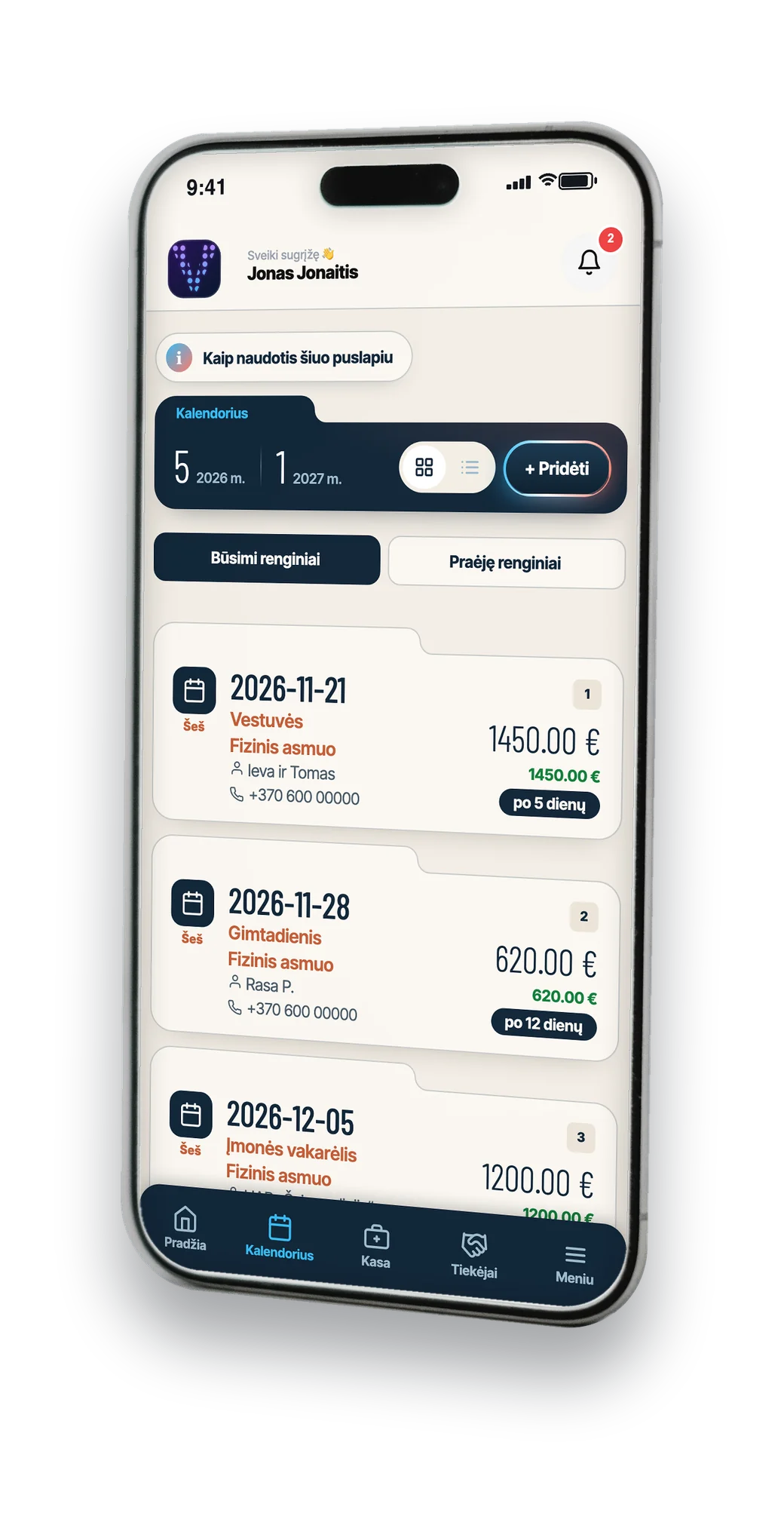
The client fills in the details
From the event card you send a questionnaire link via WhatsApp, Messenger, Telegram or email. The client fills it in on their phone, and whatever you already know from the request is filled in for them. The answers come back to the same event.
- No more asking questions one message at a time
- You move the answers into the event with one button
- You can see whether the client has filled it in
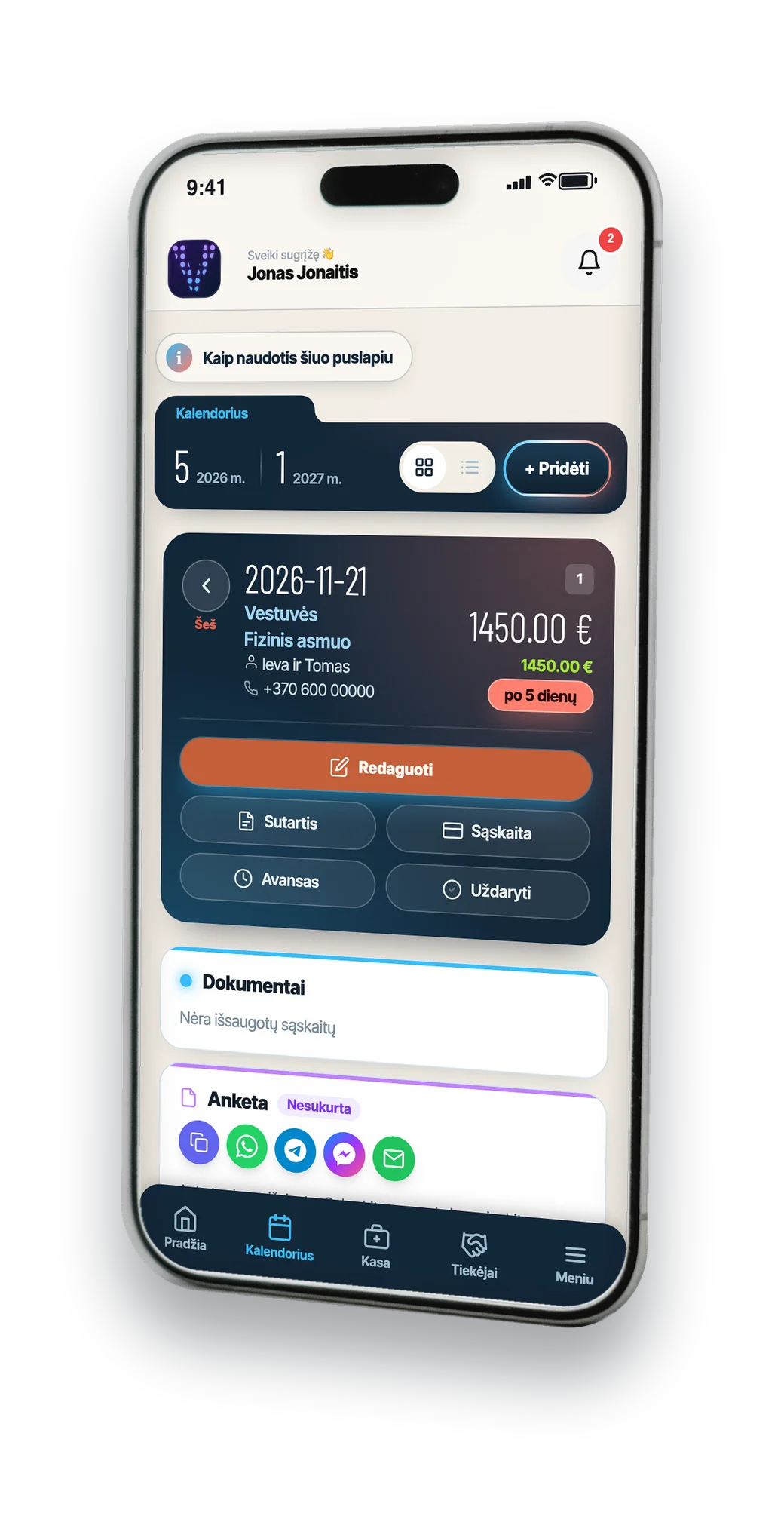
Contract and invoice in a couple of taps
The document fills itself in from the event details and your business details. You check it and tap “Send for signing”. The client signs with a finger on their own phone, you both get the signed PDF, and EVA lets you know right away.
- Contract, VAT invoice and pro forma invoice
- The client signs with a finger on their phone — the same minute
- Totals and deposit are calculated automatically
- It all happens on the phone
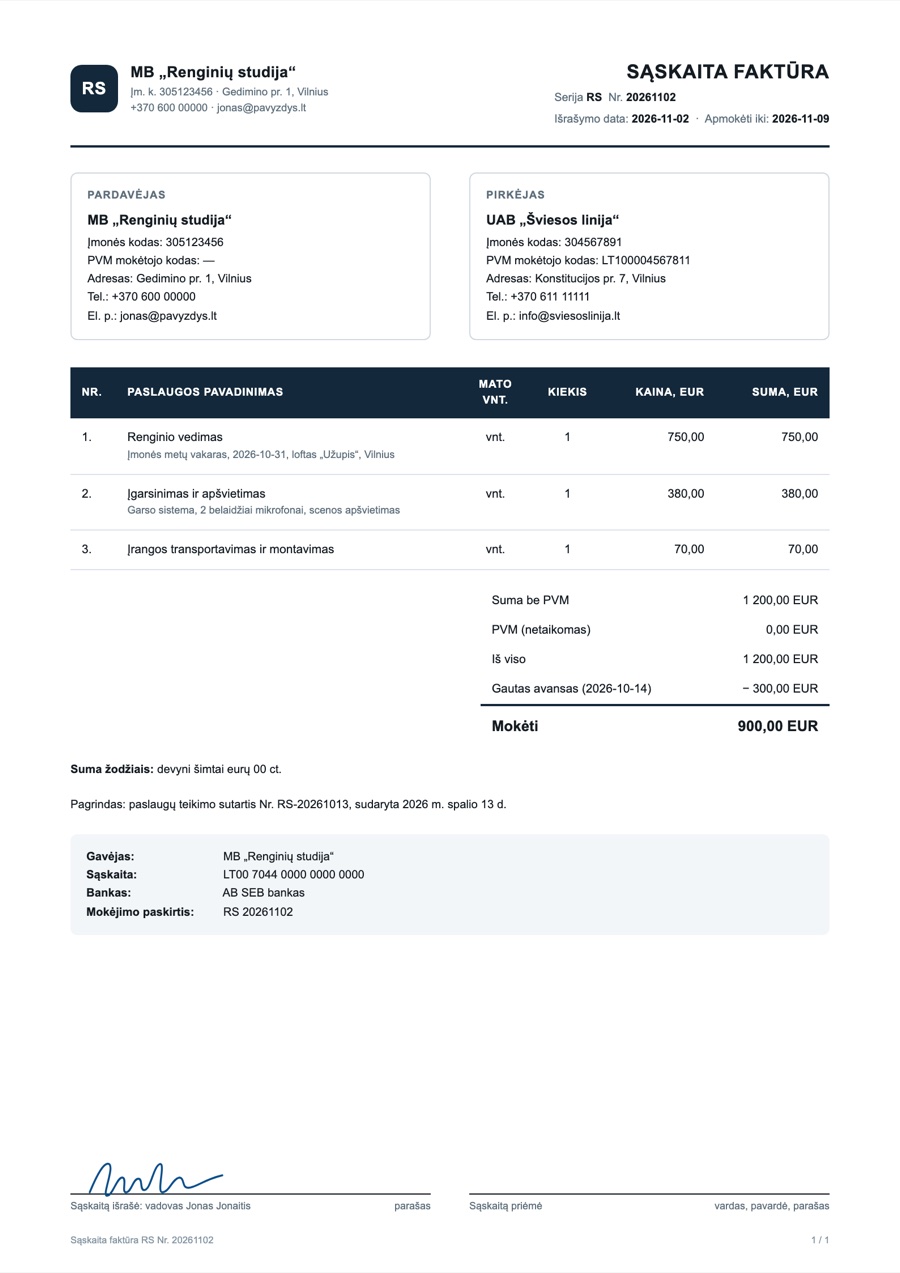
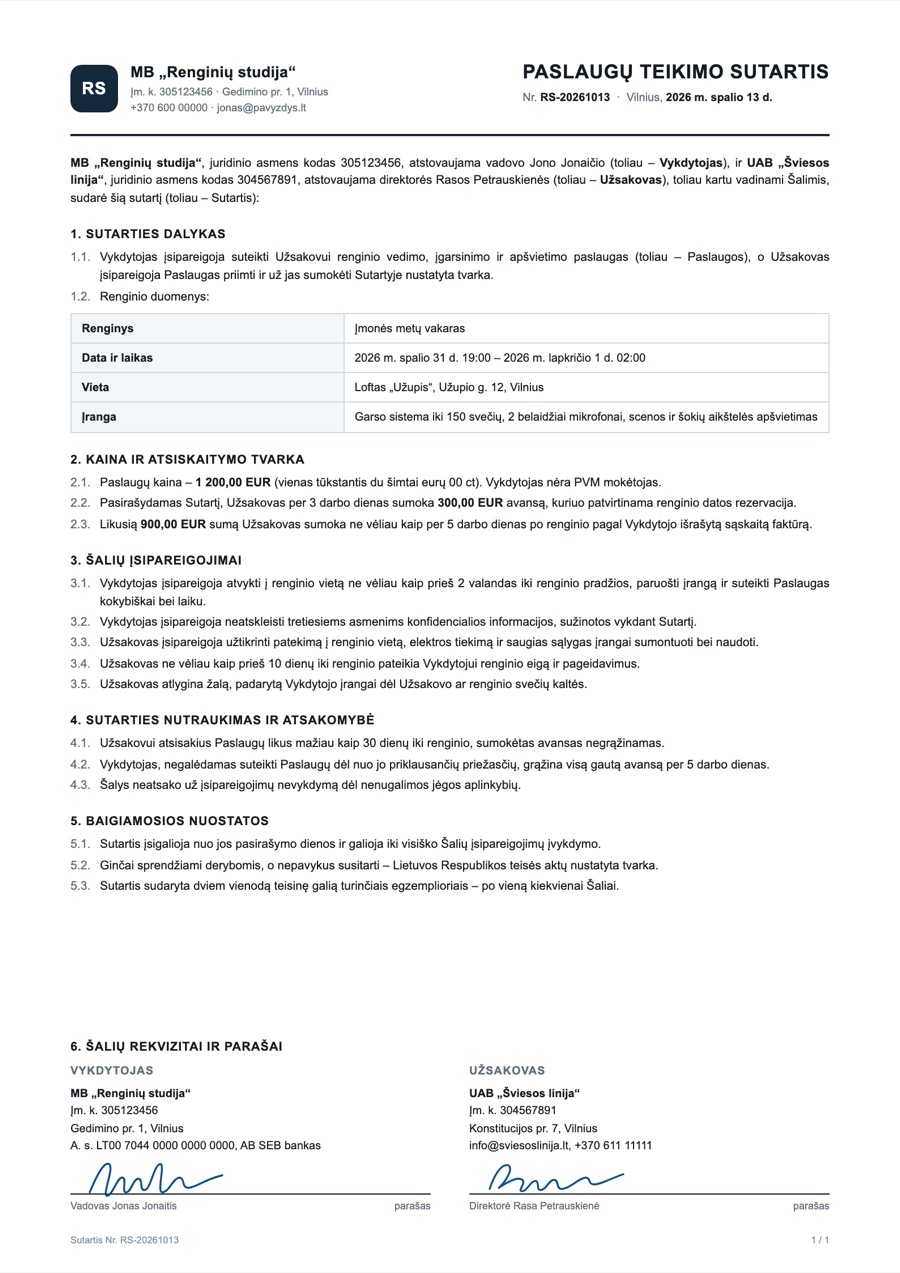
Everything stays in one place
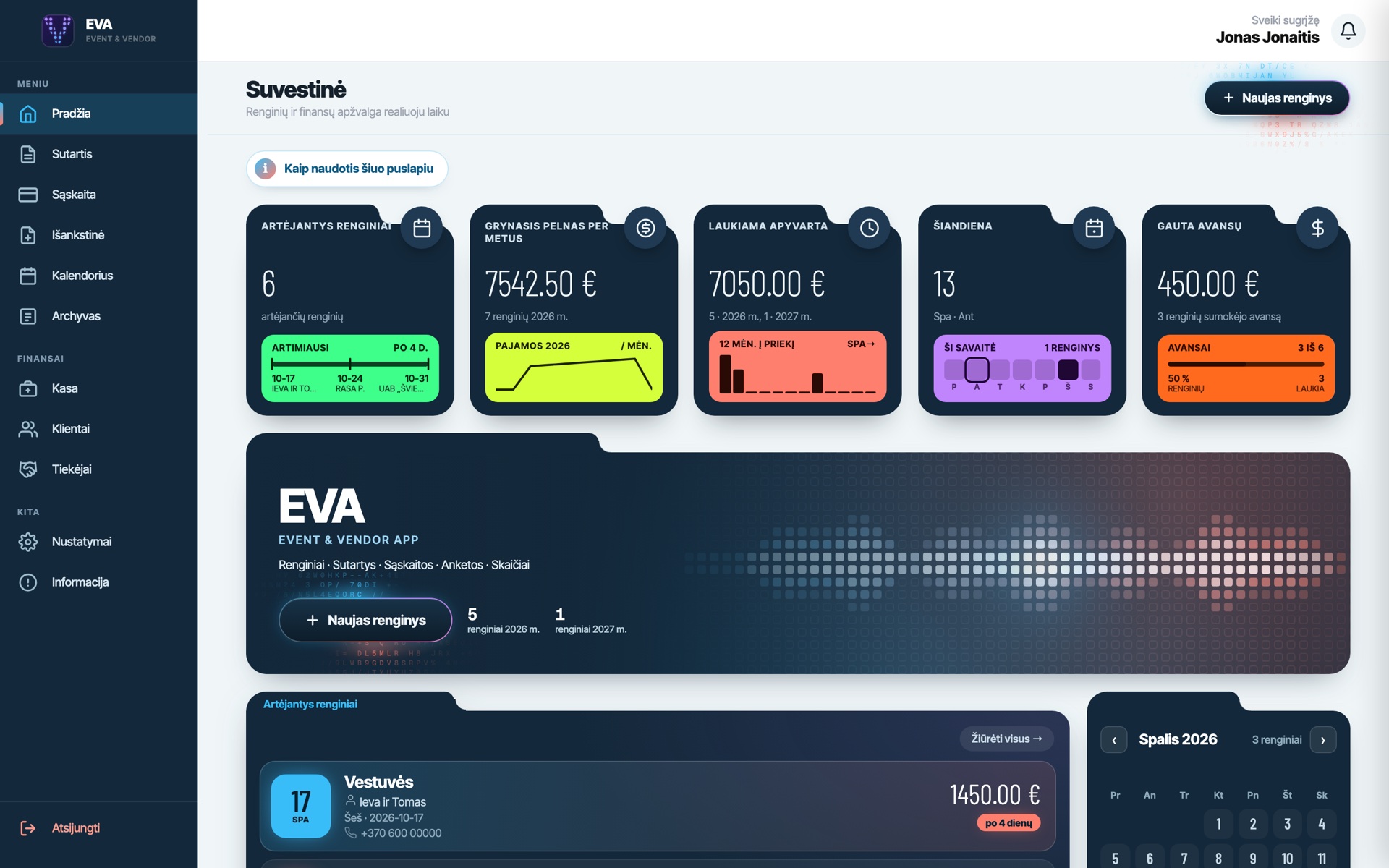
Events, contracts, invoices issued and received, expenses with photos of receipts — all in your account. The system works out every number for you: income, expenses line by line and net profit. You see the whole picture without counting anything yourself.
- Income, expenses and profit — automatically
- The archive keeps both sales and purchases
- The same view on your phone and computer
- Only you can see your data
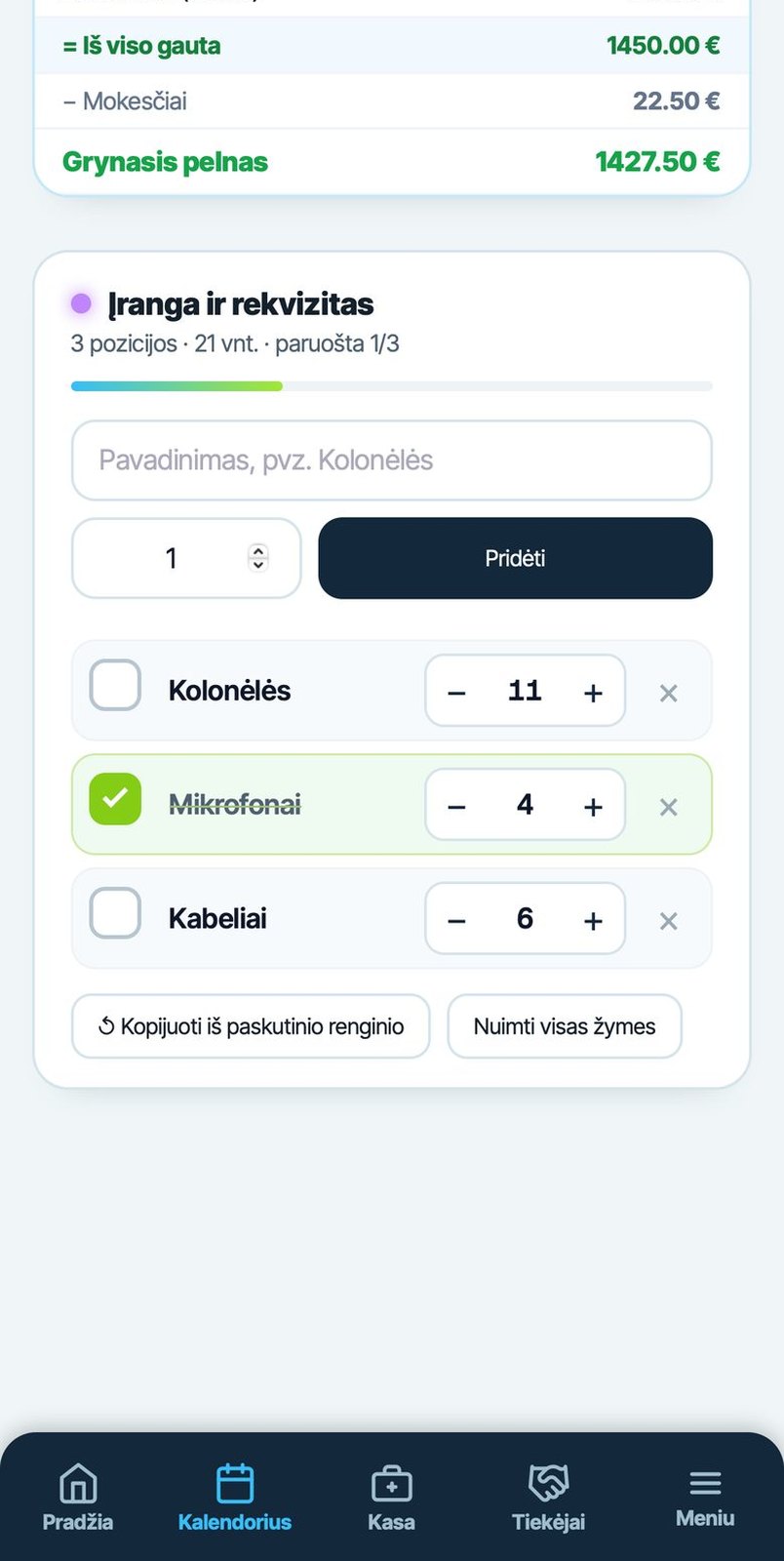
Equipment and props — for each event separately
For each event you list everything it needs or that was ordered: name and quantity. While packing you tick off what’s ready — so you always know what, and how much, to take there and bring back.
- Any item — from speakers to decorations
- Quantities and “ready” ticks — you see what’s still missing
- Copy the list from a previous event
Colleagues from other fields, right here
Already booked that day, or need a hand at an event? You can always turn to colleagues: the directory quickly shows who could stand in for you or join in. And if a client needs a photographer, decor or a host, you can recommend a trusted colleague from any part of the events business.
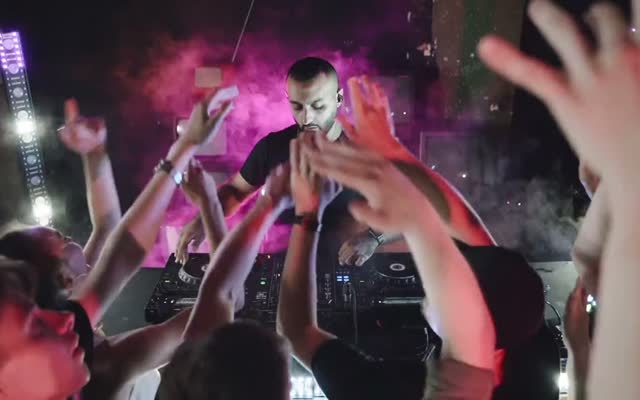
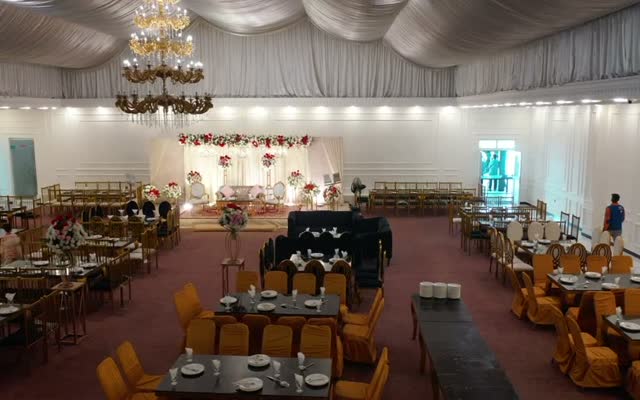
- Hosts, DJs, photographers, venues, decor and more
- Pick a date and see who’s free that day
- You decide whether to show your free dates

Your name and logo on every document
The client sees your business. EVA stays behind the scenes.
Your logo
Upload it once — it appears on every contract and invoice.
Your contract template
Paste your own contract text. The date, venue, price and client details are filled in automatically.
Your signature
Stored encrypted and available only to you. The document goes out already signed.
Less paperwork. More time and money for your work.
That’s what EVA is for: so you can run your business simply, without spending your evenings on documents, signatures and sums.
Put EVA on your home screen
Nothing to download from an app store. Once the icon is added, EVA opens with one tap, full screen — just like a regular app.
iPhone / iPad
- Open eva-app.lt in Safari.
- Tap “Share” at the bottom — the square with an arrow pointing up.
- Choose “Add to Home Screen”.
- Tap “Add”.
Android
- Open eva-app.lt in Chrome.
- Tap the ⋮ menu at the top right.
- Choose “Install app” or “Add to Home screen”.
- Confirm with “Install”.
If you opened the link from Facebook or Messenger, open the page in your regular browser first — installing from inside those apps won’t work.
Why is EVA free right now?
We’ve decided to keep the app free for now. We want everyone in the events business to be able to try it and see for themselves how useful it is.
A subscription fee may be introduced later. We’ll say it plainly now: it won’t be large, and it will be set so that you barely notice it.
We’re listening
The app is built to make your work easier. Something missing? Something unnecessary or in the way? Write to us — we read every suggestion and fix things fast.
Try it with your next event
Free, no card, no commitment. Your account is ready in a minute. The app itself is in Lithuanian for now — the English version is on its way.